Your drive snapshot,
finally legible.
Canopy scans any folder on your computer and renders it as a hand-built HTML file explorer. Thumbnails, sidebar, light and dark — saved as a single portable file.
Four ideas, executed precisely.
Recognition,
not just listing.
Canopy looks up cover art for games, software, films, and albums. Falls back to file-type icons, then to generic glyphs. Three tiers, one quiet system — your folder gains a face.
- Game cover art via IGDB & SteamGridDB
- Film & show posters from TMDB
- Album artwork via MusicBrainz
- Cached locally, so the .html stays portable
Familiar.
Sharpened.
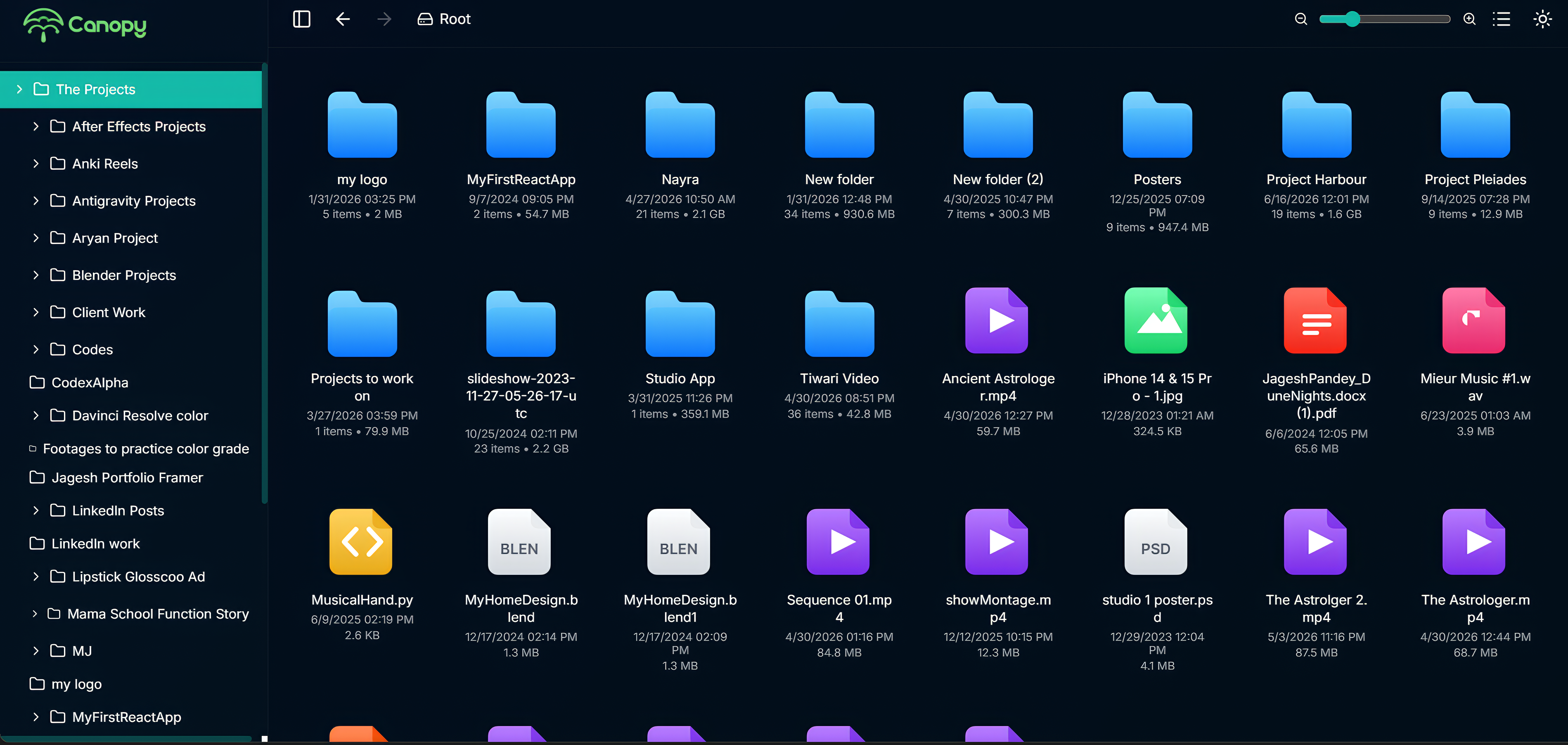
Explore your files seamlessly with intuitive controls. Use the live zoom slider to adjust thumbnail sizes, instantly toggle between detailed List View and visual Grid View, and navigate effortlessly through the collapsible sidebar displaying your complete folder tree structure.
A whole explorer
in one file.
Canopy compiles everything — layout, icons, thumbnails, theme, every byte of the interface — into a single .html. Email it, archive it, host it. No runtime, no install, no expiry.
Two themes,
one design.
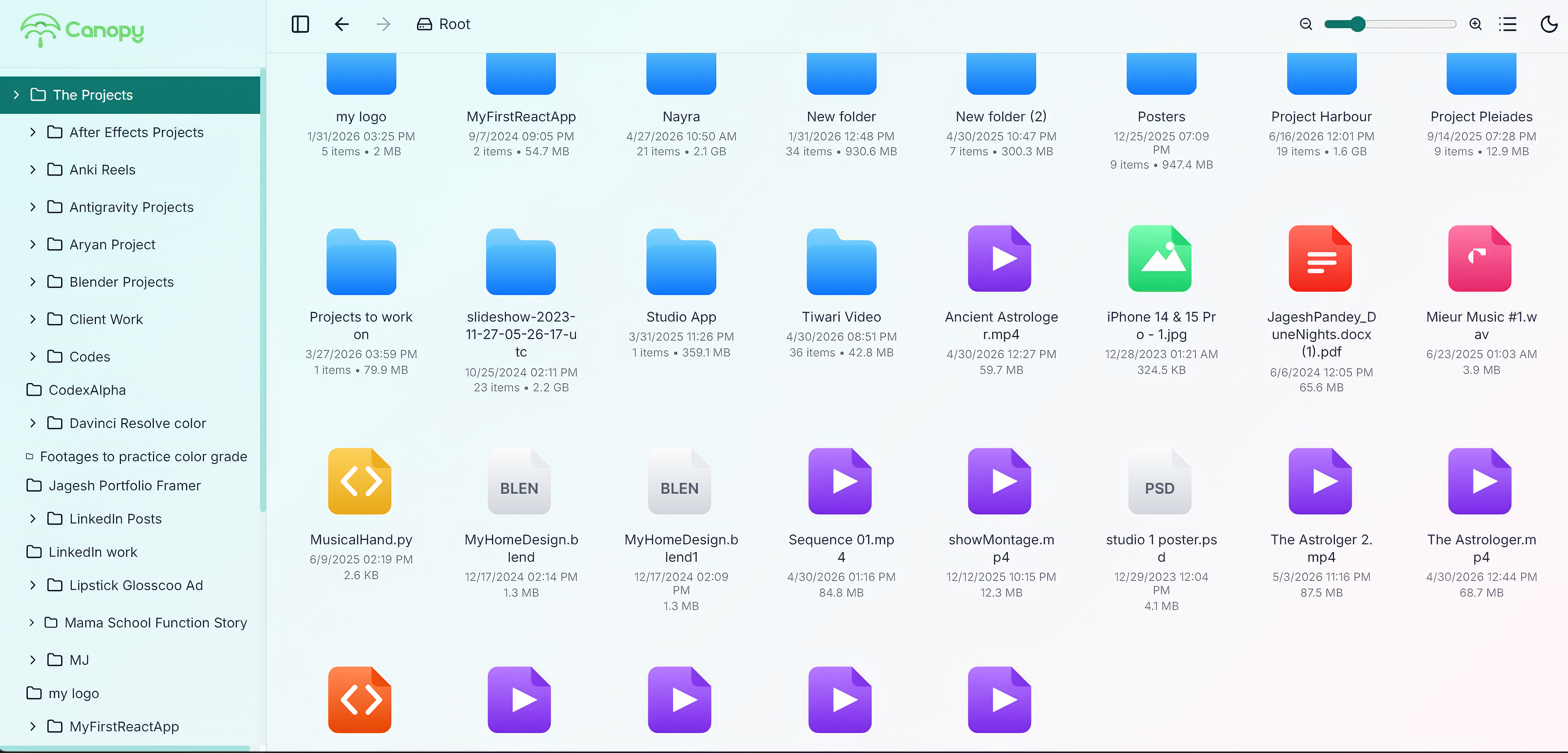
System preference by default. One tap to override. Both modes are drawn in parallel — neither is an afterthought. Try the divider to see for yourself.
Three steps, about a minute.
Choose a folder
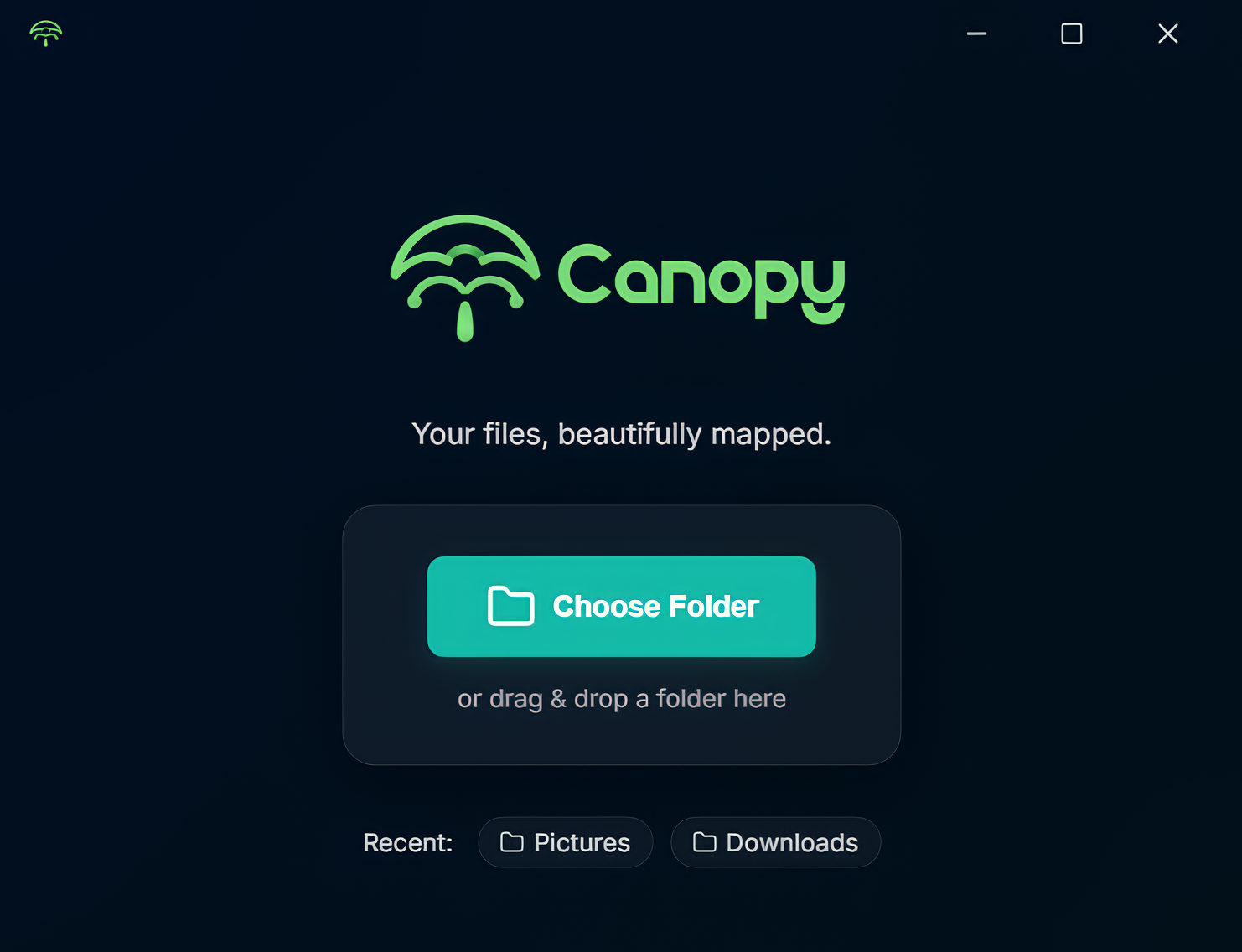
Pick any directory on your machine. Canopy works locally — nothing leaves your computer.
Canopy scans & composes
It walks the tree, recognizes file types, and fetches cover art where it makes sense.
Open the .html anywhere
A single self-contained file. Double-click it, archive it, or hand it to someone else.
The app, up close.
From first launch to the .html sitting on your desktop.
Your files
deserve better.
Free download. No account. No subscription. No telemetry.